
Pixel Image
A component that displays your image with a pixelated effect, enhancing the visual appeal of any image in your website.
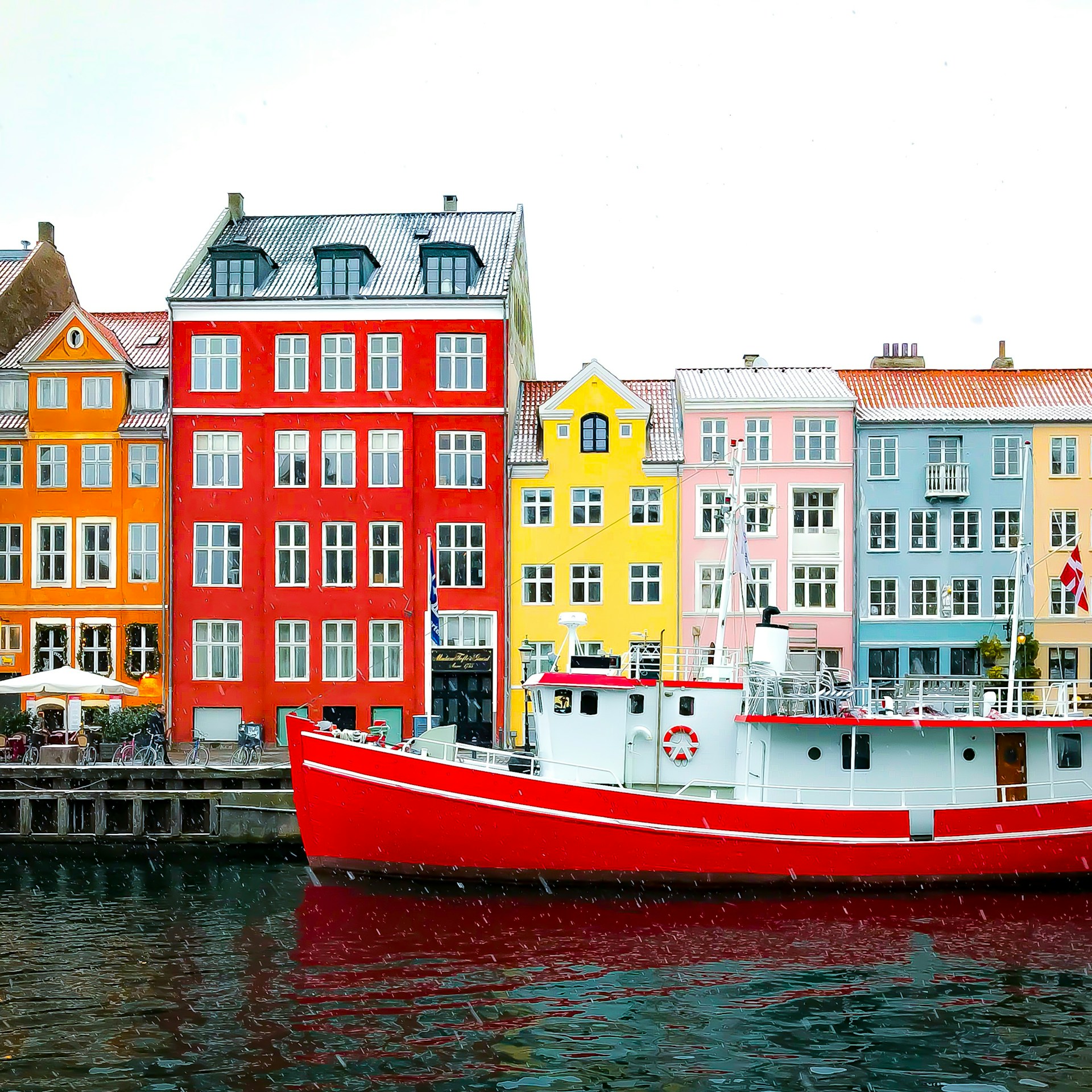
import { PixelImage } from '@/registry/magicui/pixel-image'
export function PixelImageDemo() {  return (    <PixelImage      src={`${import.meta.env.BASE_URL}pixel-image-demo.jpg`}      customGrid={{ rows: 4, cols: 6 }}      grayscaleAnimation    />  )}
Features
Section titled “Features”- Pixelated image reveal animation
- Customizable grid size and layout
- Supports grayscale-to-color animation
- Adjustable animation duration and delay
- Lightweight and easy to use
Installation
Section titled “Installation”pnpm dlx shadcn@latest add @magicui-solid/pixel-imagebunx shadcn@latest add @magicui-solid/pixel-imageyarn dlx shadcn@latest add @magicui-solid/pixel-imagenpx shadcn@latest add @magicui-solid/pixel-imageimport { PixelImage } from '@/components/magicui/pixel-image'<PixelImage src={`${import.meta.env.BASE_URL}pixel-image-demo.jpg`} grid="8x8" />| Prop | Type | Default | Description |
|---|---|---|---|
src |
string |
- |
The image source URL |
grid |
"6x4"/"8x8"/"8x3"/"4x6"/"3x8" |
"8x8" |
Predefined grid layout |
customGrid |
{ rows: number, cols: number } |
- |
Custom grid layout (overrides grid) |
grayscaleAnimation |
boolean |
true |
Whether to animate from grayscale to color |
pixelFadeInDuration |
number |
1000 |
Duration (ms) for each pixel fade-in animation |
maxAnimationDelay |
number |
1200 |
Maximum random delay (ms) for pixel animation |
colorRevealDelay |
number |
1500 |
Delay (ms) before revealing color |
Grid Type
Section titled “Grid Type”// Predefined grid options"6x4" | "8x8" | "8x3" | "4x6" | "3x8"
// Custom grid examplecustomGrid={{ rows: 5, cols: 10 }}- Since the pixelation effect is purely decorative, make sure to provide text alternatives (like descriptions or labels) for any important content shown in the image. This ensures the content is accessible to screen reader users.
Credits
Section titled “Credits”- Credit to @dharminnagar for implementation
Original:
magicui.design/docs/components/pixel-image